

Kiddio × SizeWise
Find their shoe size from home.
Measure your child’s feet with your phone and get a personalised size recommendation for supported shoes at Kiddio. All you need is a sheet of A4 paper and a few minutes.
Measure my child’s feet
Free to use. No app download.
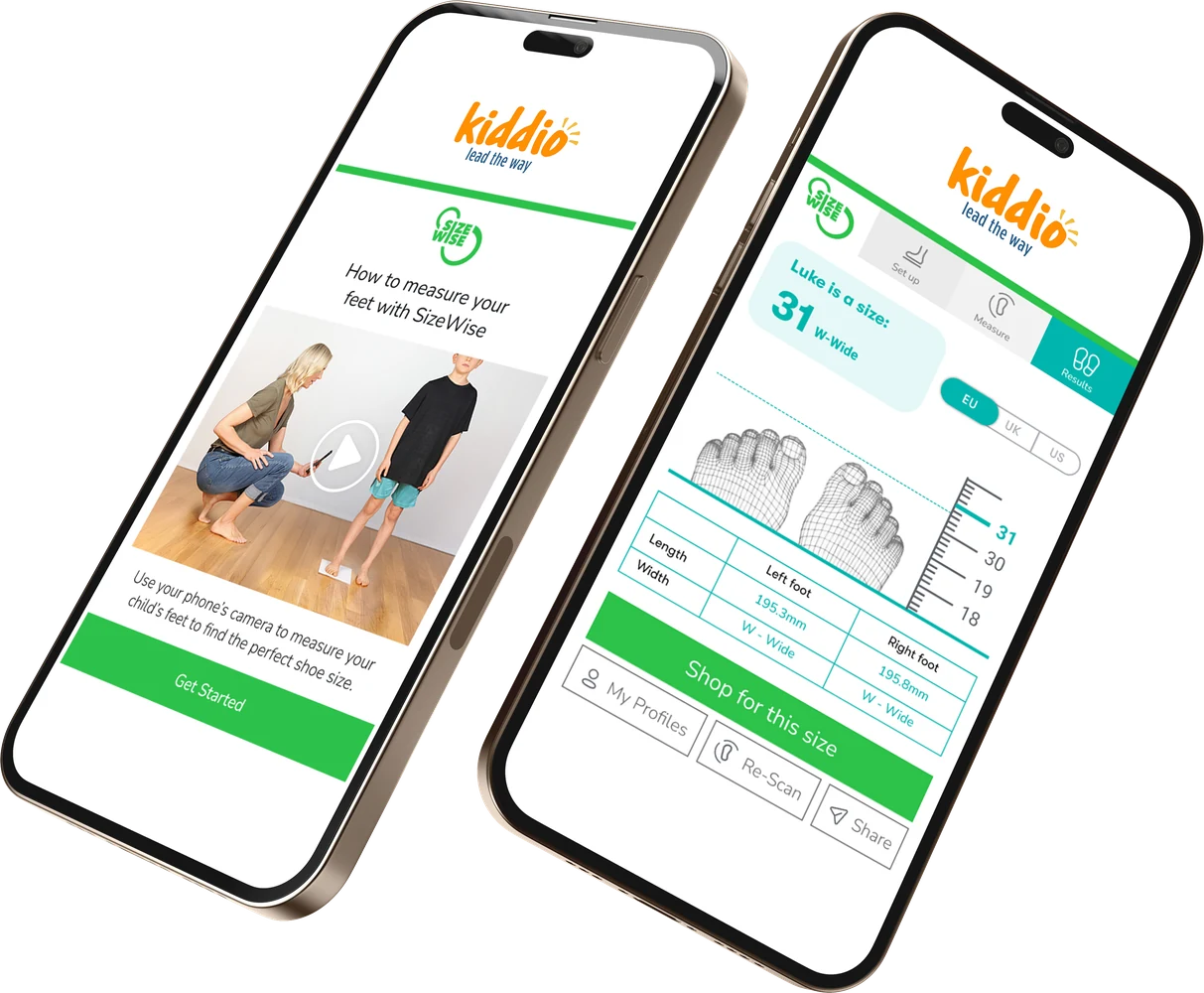

How it works
Grab your phone and A4 paper
Lay the sheet on a flat floor and have your child stand with one bare foot in the middle.
Open SizeWise
Follow the prompts to create or select your child’s profile.
Measure with your camera
Follow the on-screen instructions to capture the foot measurements.
Check their recommended size
Use the recommendation when choosing a size for supported shoes on Kiddio.
Fit is more than foot length.
- SizeWise considers measurements such as foot length and width.
- Recommendations account for the fit of supported styles.
- You can measure in your mobile browser and use your child’s profile as you shop.
Made for shopping Kiddio
As you browse sneakers, barefoot shoes or sandals at Kiddio, look for SizeWise on the product page to get a personalised size recommendation for the style you’re viewing.
Ready to measure?
Get your phone and a sheet of A4 paper, then follow the guided scan.
Start measuring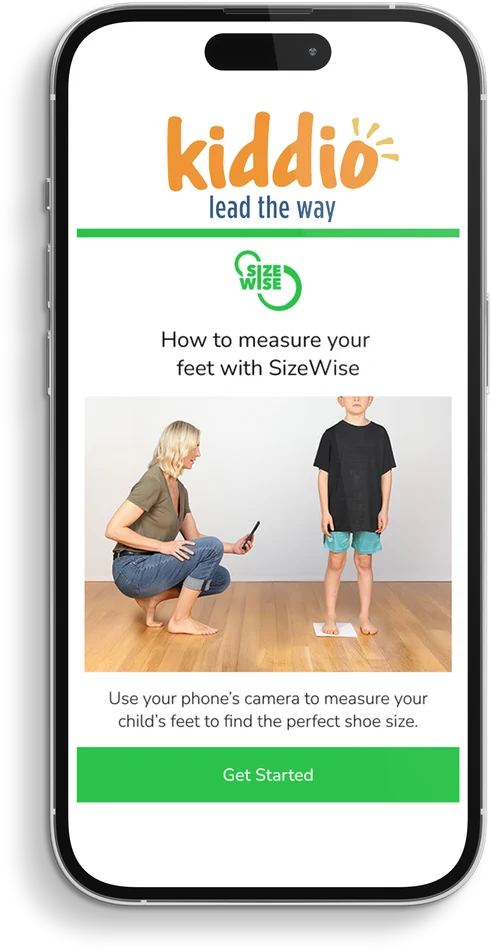
Frequently asked questions
Why can my child’s size vary by shoe?
Brands and styles differ in shape and fit, so the same size label can feel different from one shoe to another.
Does SizeWise cost anything to use?
No. It’s free to use on Kiddio.
Why do I need A4 paper?
The sheet gives your phone camera a reference for calculating foot measurements.
Should my child wear socks for the scan?
Use bare feet so the camera can capture the foot clearly.
Do I need to download an app?
No. Open SizeWise directly in your phone’s browser.
When should I measure again?
Check again before buying a new pair, especially if it’s been a while since the last measurement or your child’s shoes are starting to feel snug.